Sometimes when launching SDR Sources, the results are not successful.
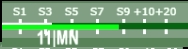
A successful result would be the S-Meter rendered matching the SDR Source name slot number – example shown below for 11~MN EN35ck:
When first launched, some SDR Sources display a banner that partially obstructs the screen. It might look something like this in the OBS Canvas:
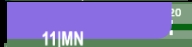
This is a one time occurrence that can easily be corrected by refreshing the SDR Source. There are several ways in OBS to refresh SDR Sources:
EASIEST – Simply turn off and back on the SDR Source in the Sources list
ANOTHER WAY – Select the SDR in the Sources List, and then click the REFRESH button under the Canvas in the Source Toolbar
ANOTHER WAY – Hover over the SDR in the Sources List, right click and choose Properties. Scroll down and click Refresh Cache of Current Page
Once the SDR Source is launched again, the banner no longer appears.
There are multiple reasons why an SDR may not successfully launch. The type of SDR and how it has been deployed determines how many SDR “slices” are offered for connection. If all slices are taken, a banner message is returned. In OBS, it may look something like this:
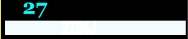
Another SDR Source could be selected instead. But, there are also some options to possibly use the SDR Source.
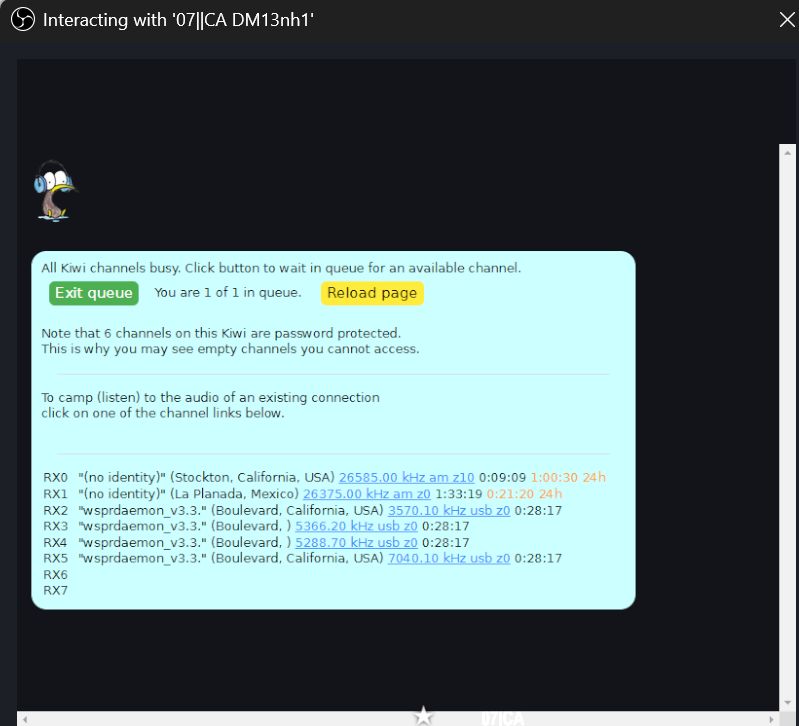
Select this SDR in the Sources List and open the Interact window. The SDR banner message can now be seen:
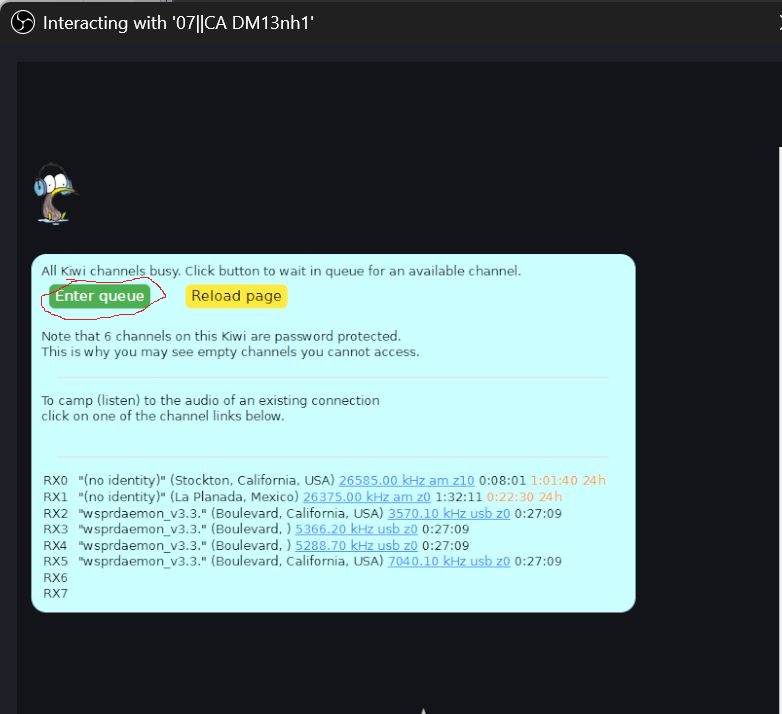
One option is to click the green Enter Queue button, which will place you in line to use a slice when available.
Another option which can be done with or without entering the Queue is Camp. Look at the SDR banner and a list of frequencies being used
in each slice are displayed with links. If the frequency you are operating on is listed, by clicking on that frequency the SDR audio will be bridged and streamed to you. This is a good way for users to share SDR resources.